

FWS No Repaint Signals
Original price was: $689.00.$179.00Current price is: $179.00.
- Original Indicator
- Non Repaint Indicator
- Trading time: Every time
- Instant Download in Zip file
- Arrows Popup Sound Alerts
- Timeframe: M5 & Above
- Use on unlimited MT4 accounts
- Type of strategy: Scalping and Long term
- Built for Metatrader 4 (MT4 for PC and Laptop, MT4 for MAC)
- Works on Forex, Stock Market, Binary Option etc.
- Customer Support & Free Upgrades For Life Time
- MQL4 Code Available $199 Only
Mastering the MT4 No-Repaint Scalper: Your Complete Trading Guide
The quest for a reliable, non-lagging indicator is a journey every trader takes. Based on the technical analysis of the ForexWebStore No-Repaint Scalper, this tool is designed specifically for the MetaTrader 4 (MT4) platform. It provides high-frequency signals tailored for scalpers and day traders who demand precision in volatile markets.
1. Indicator Name and Primary Function
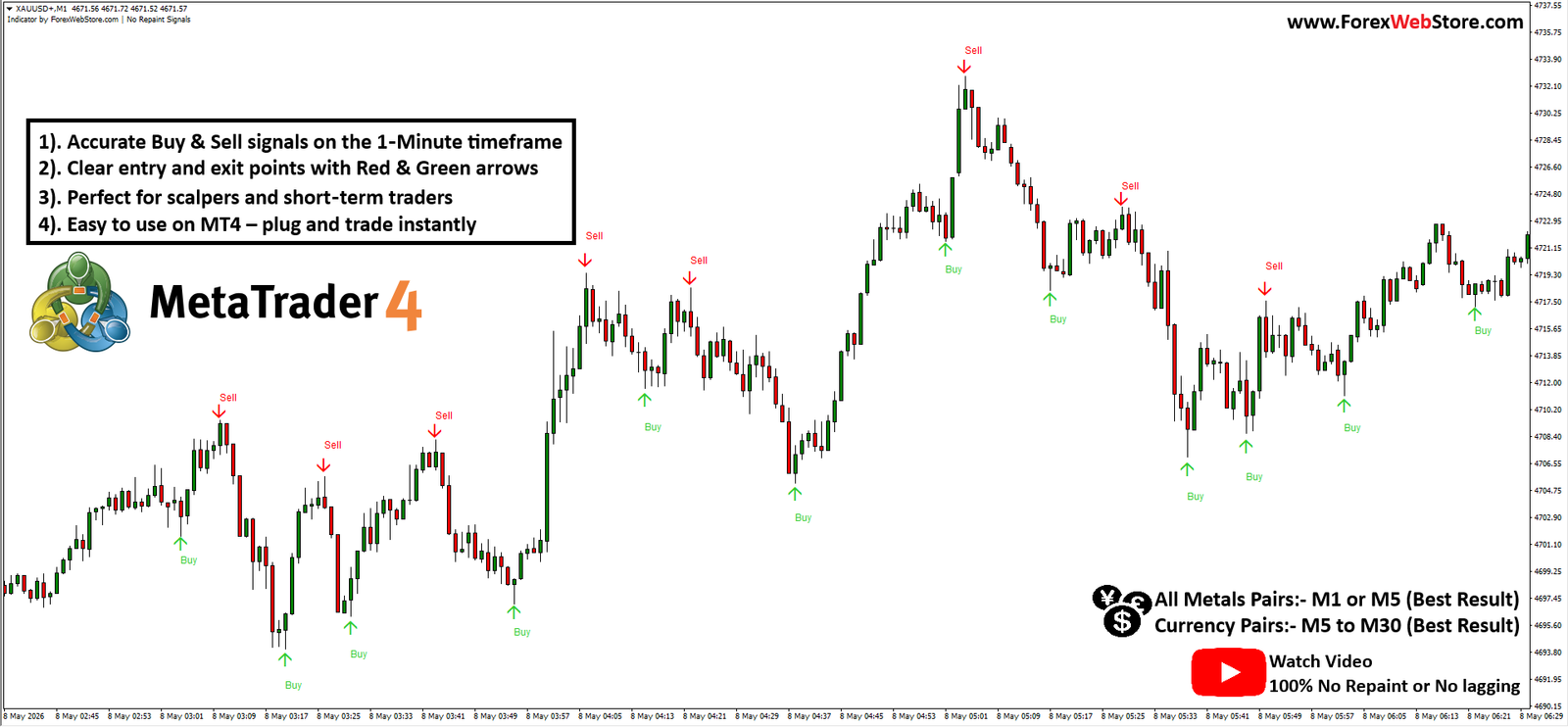
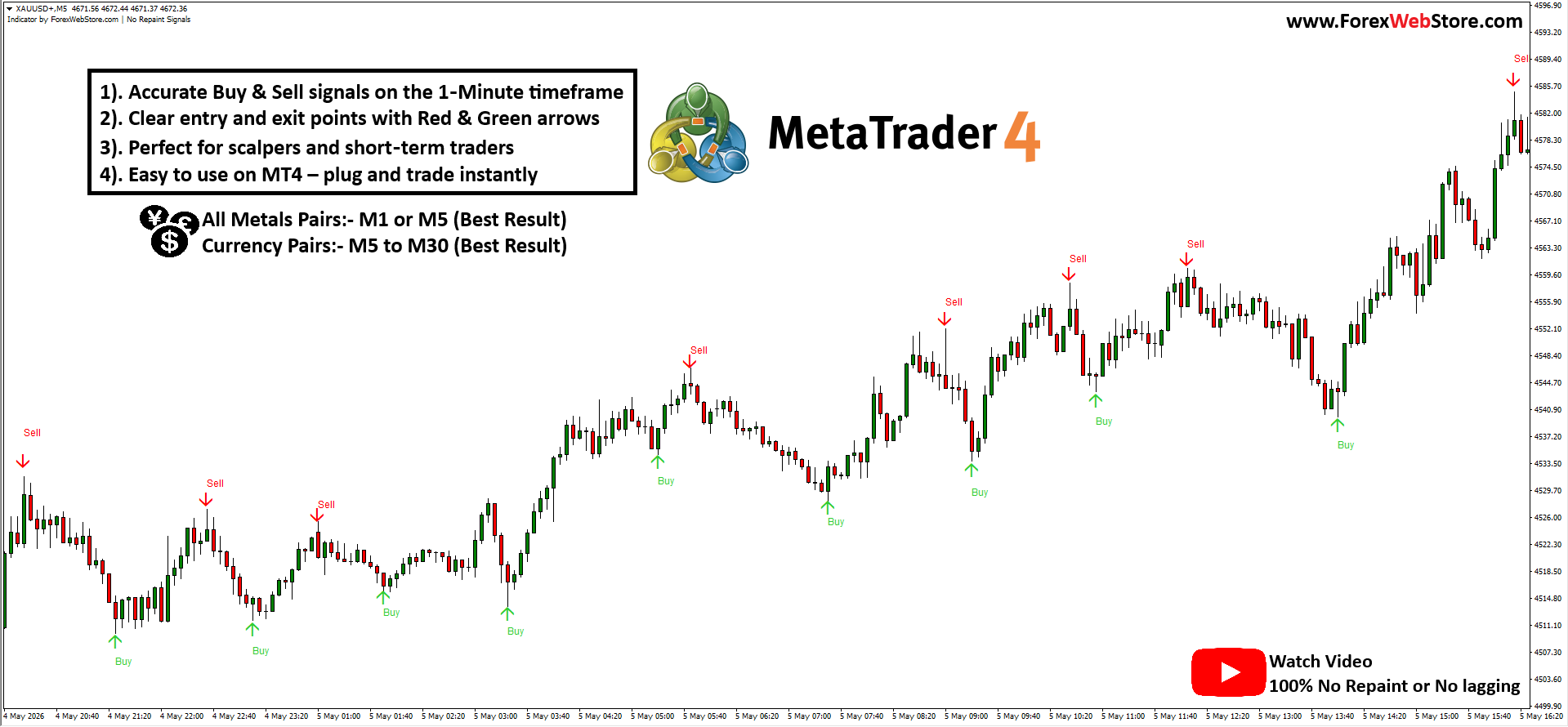
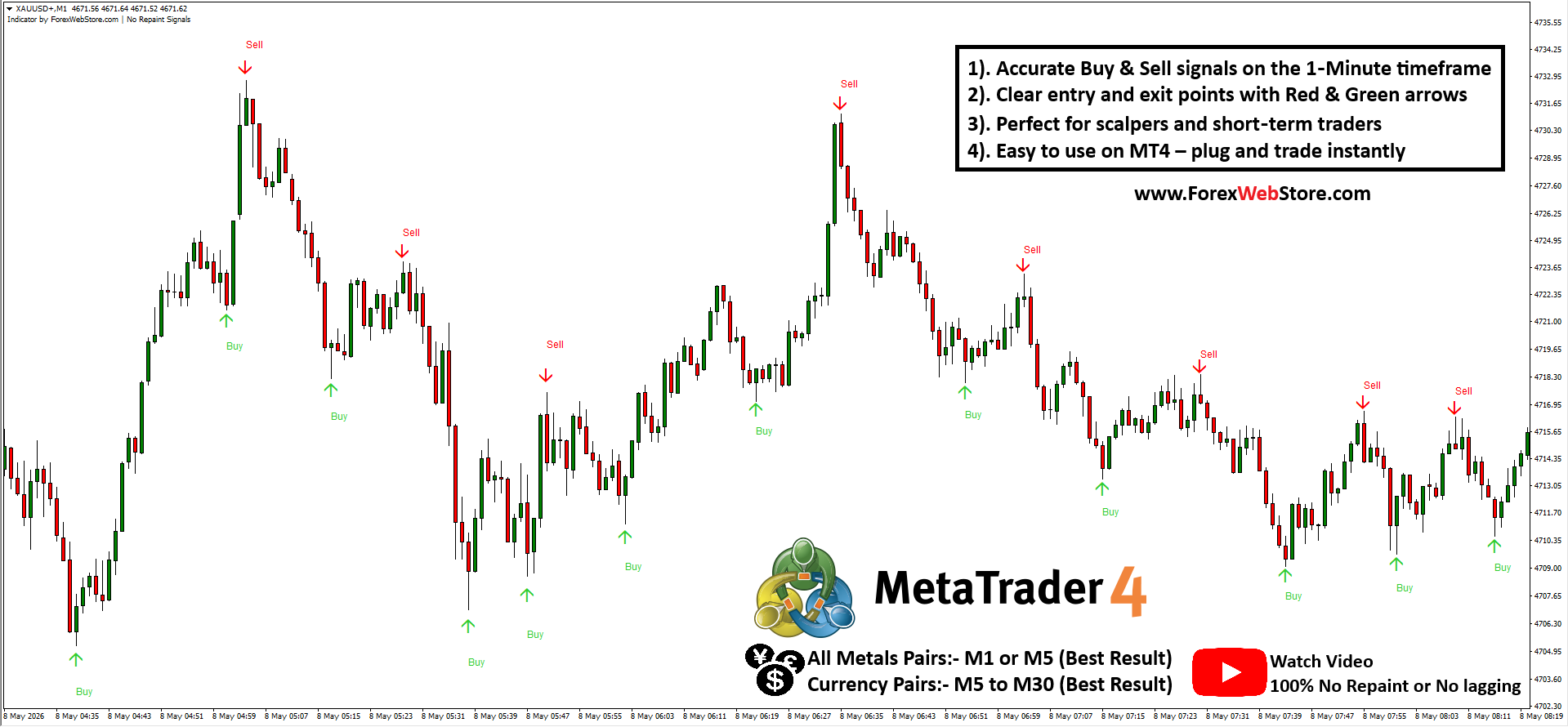
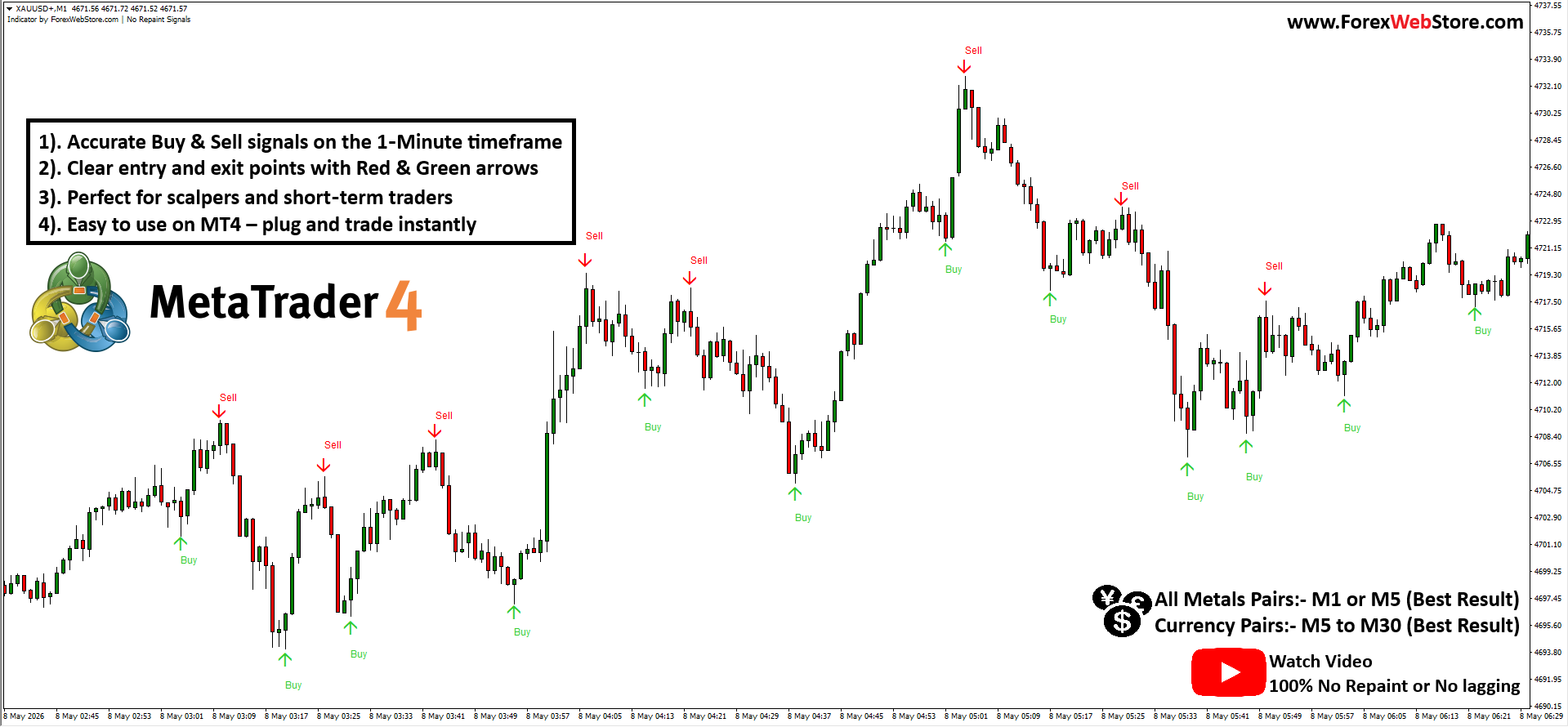
Name: ForexWebStore No-Repaint Signal Indicator Primary Function: This is a trend-reversal and momentum-based signal generator. Its main goal is to identify local market peaks and troughs to provide high-probability entry points. Unlike many standard indicators, this tool is designed to be “No-Repaint,” meaning once a signal appears and the candle closes, the arrow remains fixed on the chart, allowing for honest backtesting and execution.
2. How to Use: Entry and Exit Signals
Using this indicator is straightforward, making it an excellent choice for both beginners and veteran traders.
Long (Buy) Signal:
- Entry: Wait for a Green Upward Arrow to appear below a price candle. Open a Buy position immediately at the start of the next candle.
- Stop Loss: Place your stop loss a few pips below the most recent swing low or the signal candle’s wick.
- Exit/Take Profit: Exit when a Red “Sell” arrow appears or when you reach a predefined Risk-to-Reward ratio (e.g., 1:2).
Short (Sell) Signal:
- Entry: Wait for a Red Downward Arrow to appear above a price candle. Open a Sell position at the start of the following candle.
- Stop Loss: Place your stop loss a few pips above the recent swing high or the signal candle’s wick.
- Exit/Take Profit: Exit when a Green “Buy” arrow appears or at your designated profit target.
3. Step-by-Step Setup Instructions
To get the indicator running on your MT4 terminal, follow these steps:
- Download & Locate: Download the indicator files (usually in .ex4 or .mq4 format).
- Open MT4 Data Folder: In MetaTrader 4, go to
File>Open Data Folder. - Install File: Navigate to
MQL4>Indicators. Paste the indicator file here. - Restart/Refresh: Restart your MT4 or right-click “Indicators” in the Navigator window and select “Refresh.”
- Apply to Chart: Drag and drop the indicator onto your desired pair (e.g., XAUUSD or EURUSD).
- Configuration: Ensure “Allow DLL imports” is checked in the indicator settings for optimal performance.
4. The Logic Behind the Signals
The ForexWebStore No-Repaint Scalper operates on a proprietary algorithm that filters market “noise.”
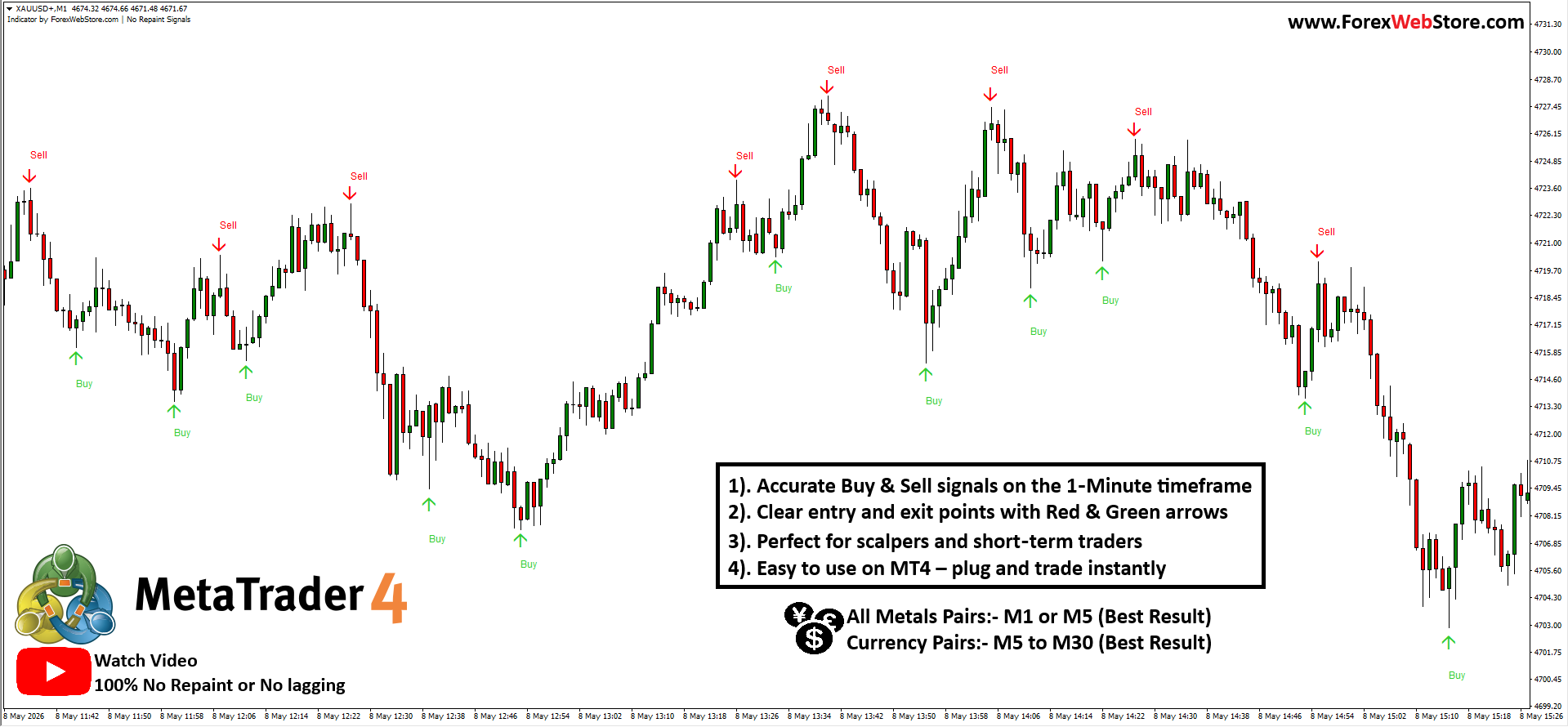
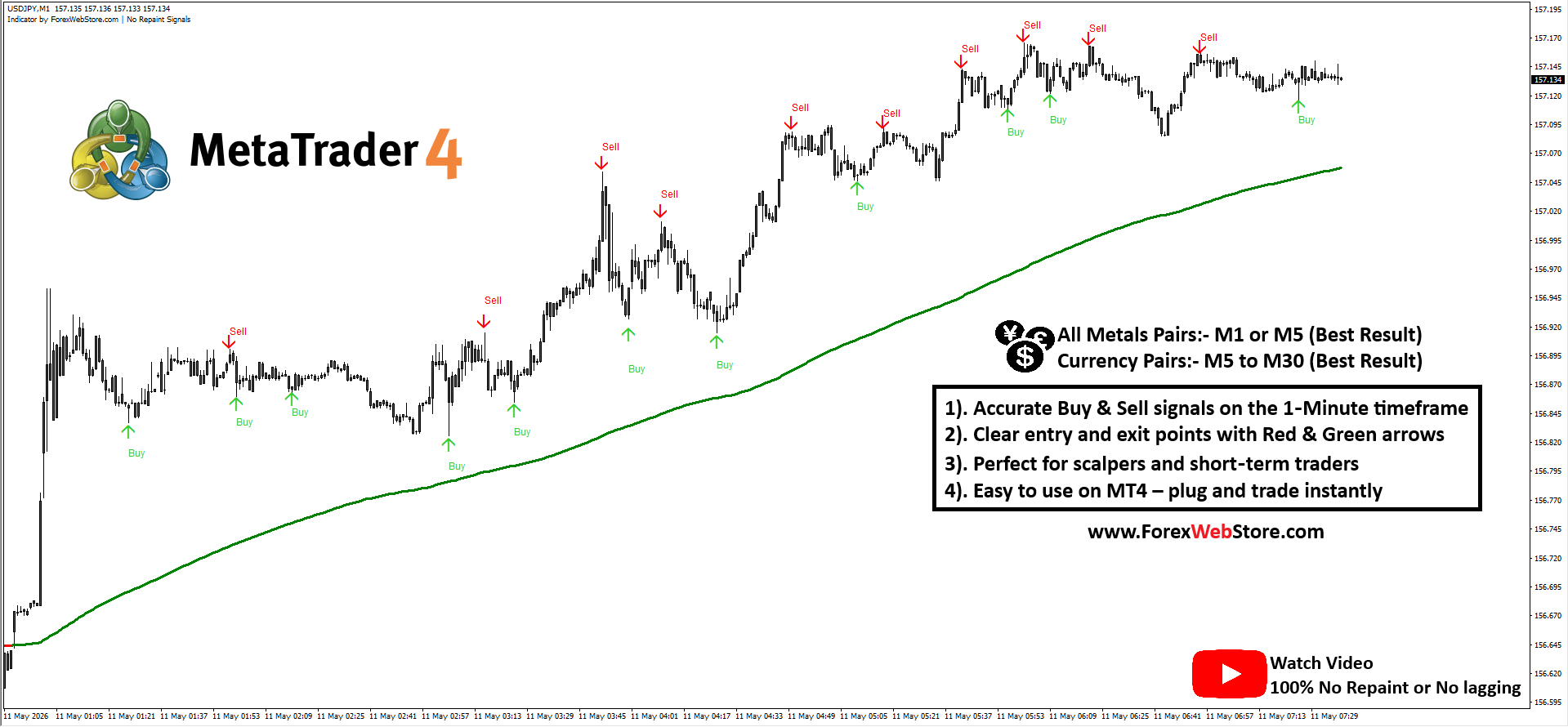
- Trend Exhaustion: The signals often appear at the end of a micro-trend, suggesting that the current momentum is fading and a reversal is imminent.
- Volatility Filtering: By analyzing price action speed and volume, the indicator differentiates between a true trend change and a temporary retracement.
- Candle Confirmation: The “No-Repaint” logic ensures that the signal is confirmed by the closing price of the current timeframe, reducing the likelihood of “fakeouts” common in lagging indicators like basic Moving Averages.
5. 3 Pro-Tips for Better Accuracy
- Higher Timeframe Confluence: While the indicator excels on the M1 and M5 charts for Gold (XAUUSD), always check the H1 or H4 trend. Only take “Buy” signals if the higher timeframe is also bullish.
- Avoid High-Impact News: No-repaint indicators can struggle during extreme volatility caused by NFP or Central Bank interest rate decisions. Sit out 30 minutes before and after major news events.
- Combine with Support/Resistance: A “Buy” signal carries much more weight if it appears exactly at a historical horizontal support level or a psychological “round number” level.
You must be logged in to post a review.
Related products


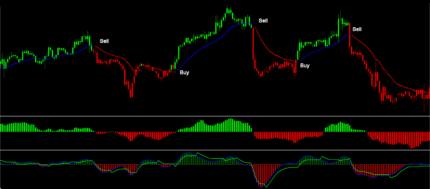
Gold volume balance mt4 system.
Gold volume balance mt4 indicator is a 100% Non-Repaint indicator and very easy to use for beginners. It works on Metatrader 4 terminal. You will get all files in a zip file
- Type of strategy: Scalping or Day trading
- 100% Non-Repaint
- Platform: Metatrader 4
- Currency pair: Any (Gold)
- Trading time: Every time
- Timeframe: M15 , M30 ,H1
- Instant Download in Zip file
- Recommended Broker: ICMARKET


Reviews
There are no reviews yet.