

-83%
XAUUSD M1 Pro Scalper Indicator for MT4
Original price was: $1,999.00.$99.00Current price is: $99.00.
Binary Trigger MT4 Indicator
Original price was: $1,999.00.$143.00Current price is: $143.00.
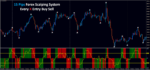
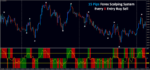
15 Pips Forex Scalping System
Original price was: $1,500.00.$250.00Current price is: $250.00.
- Original Indicator
- 100% Non Repaint Indicator
- Trading time: Every time
- Instant Download in Zip file
- Arrows Popup Sound Alerts
- Timeframe: M5 & M30
- Use on unlimited MT4 accounts
- Type of strategy: Scalping and Long term
- Built for Metatrader 4 (MT4 for PC and Laptop, MT4 for MAC)
- Works on Forex, Stock Market, Binary Option etc.
- Customer Support & Free Upgrades For Life Time
12934
People watching this product now!
Description
15 Pips Forex Scalping System
1. Indicator Overview
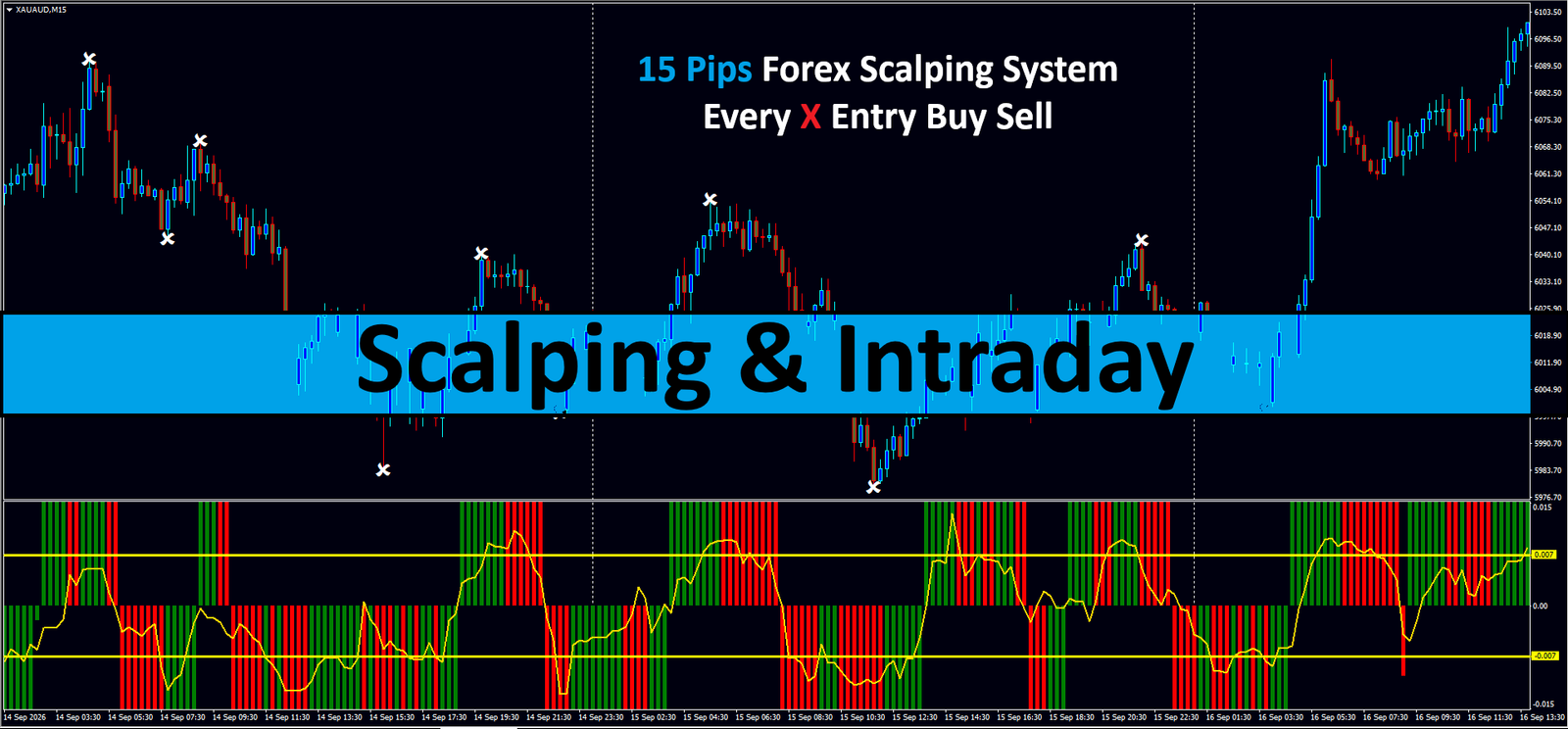
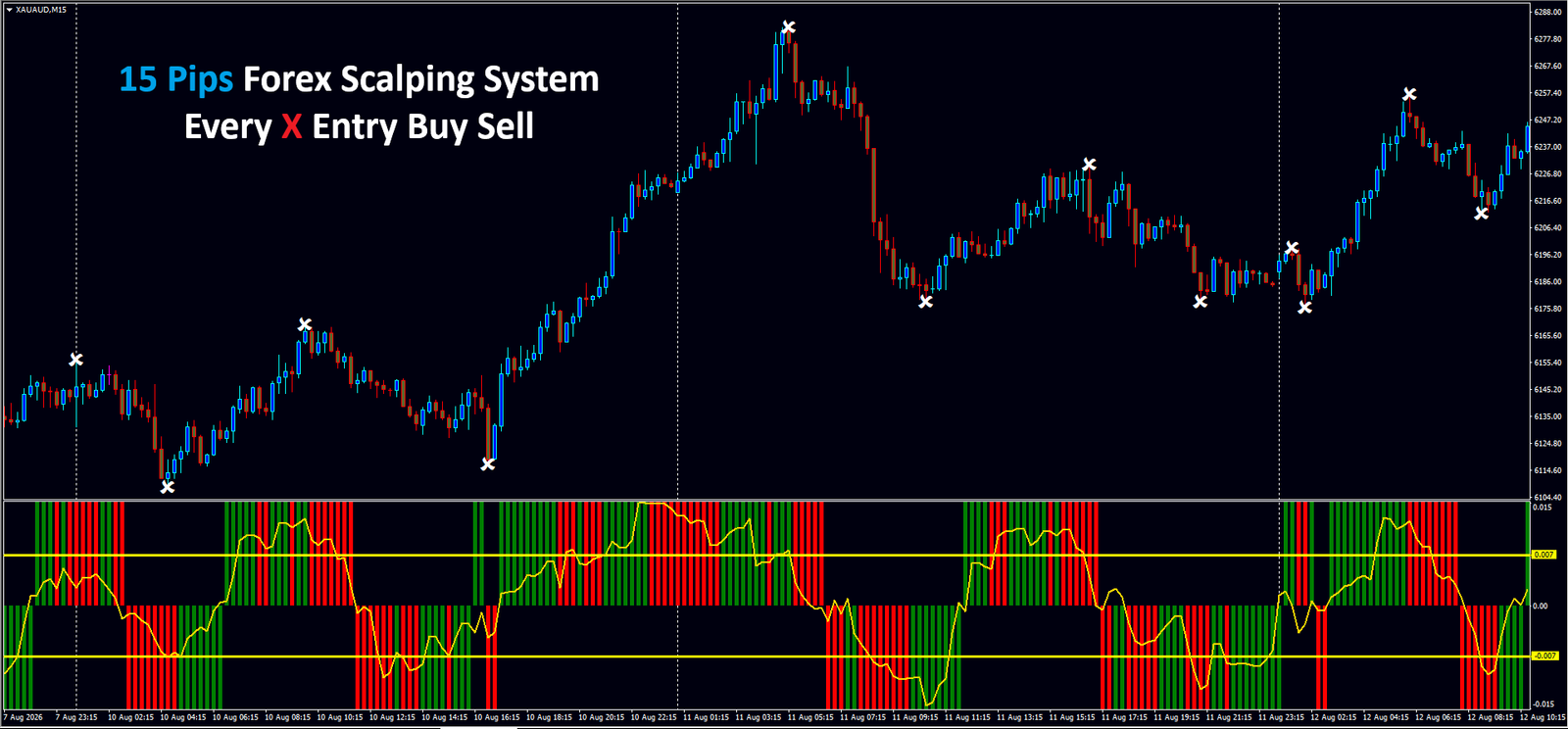
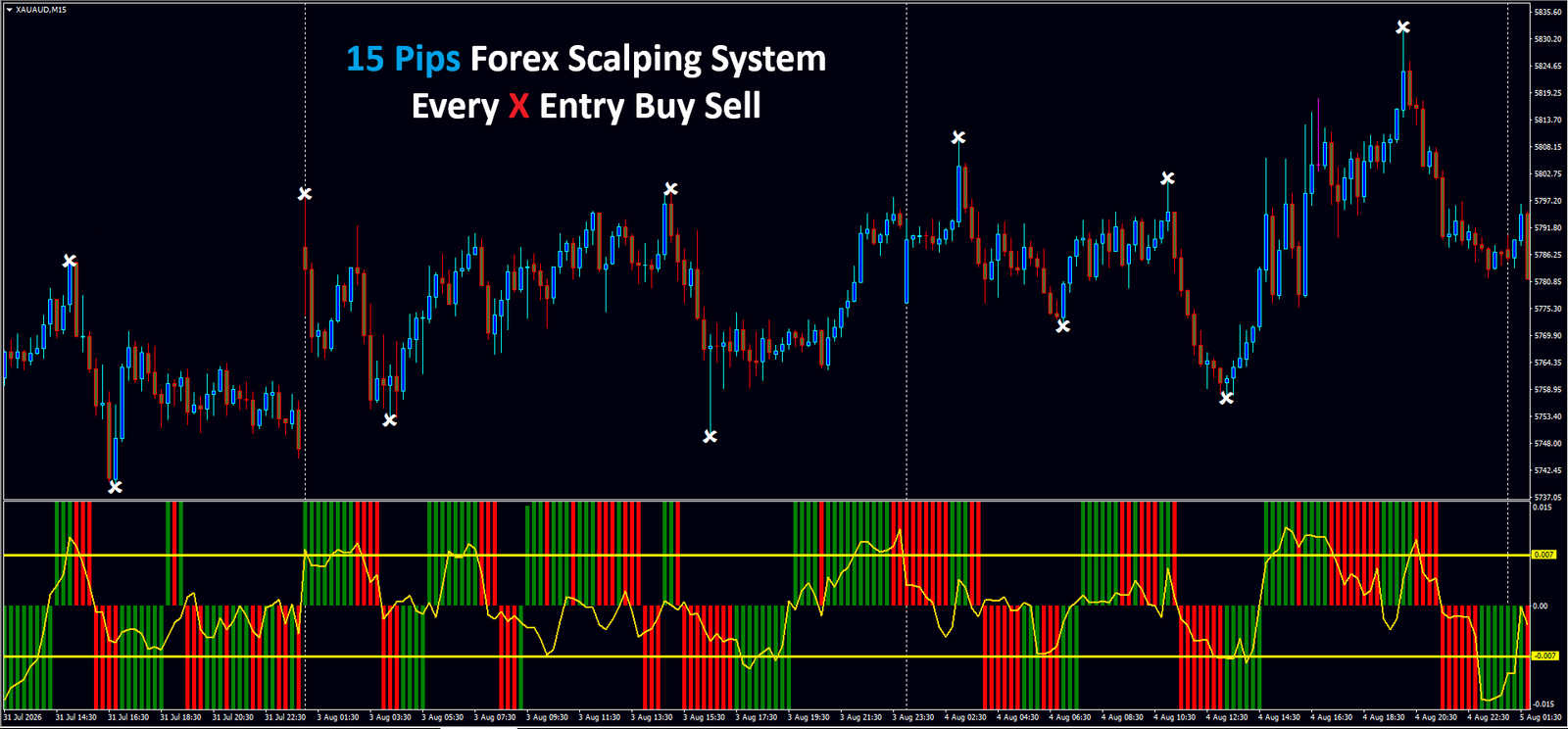
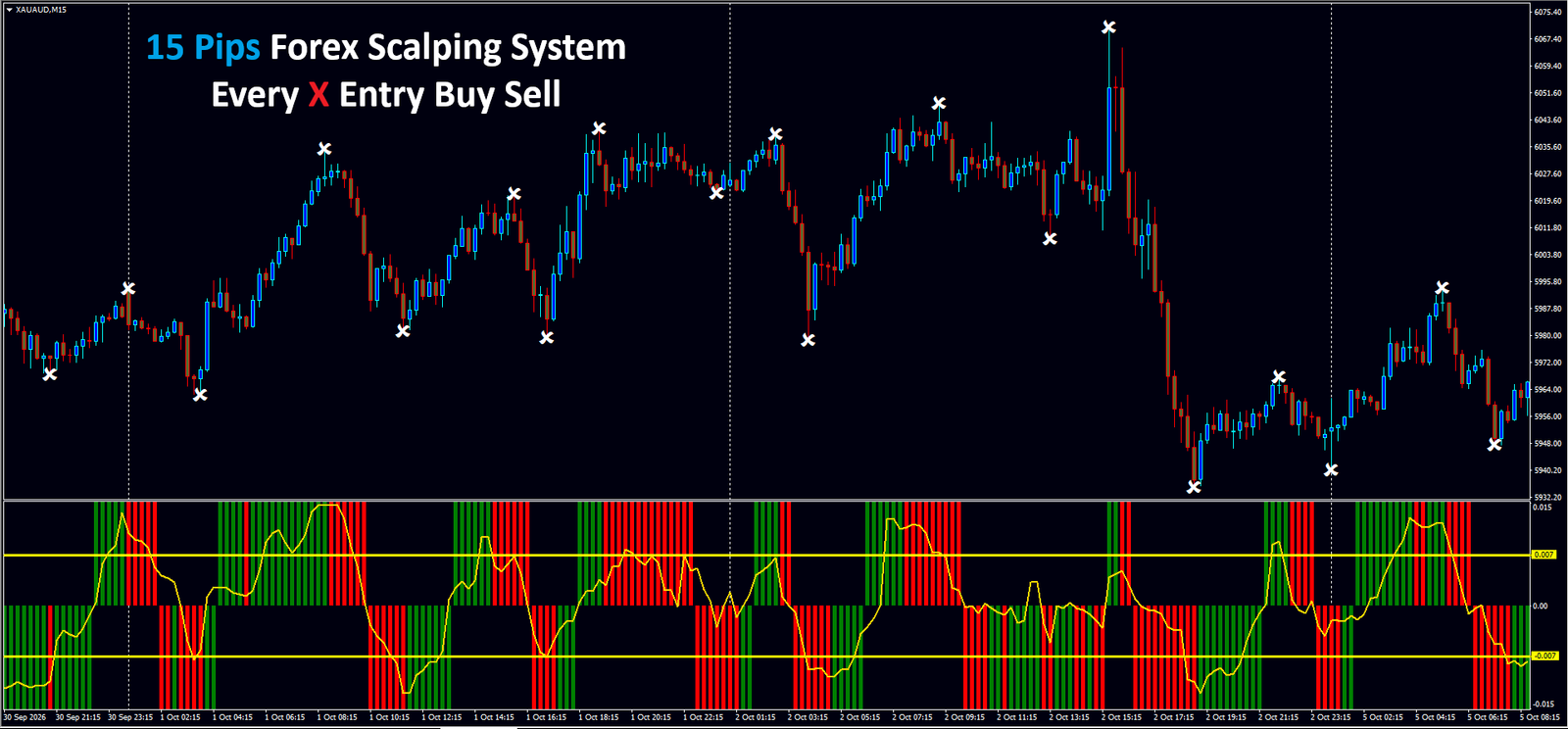
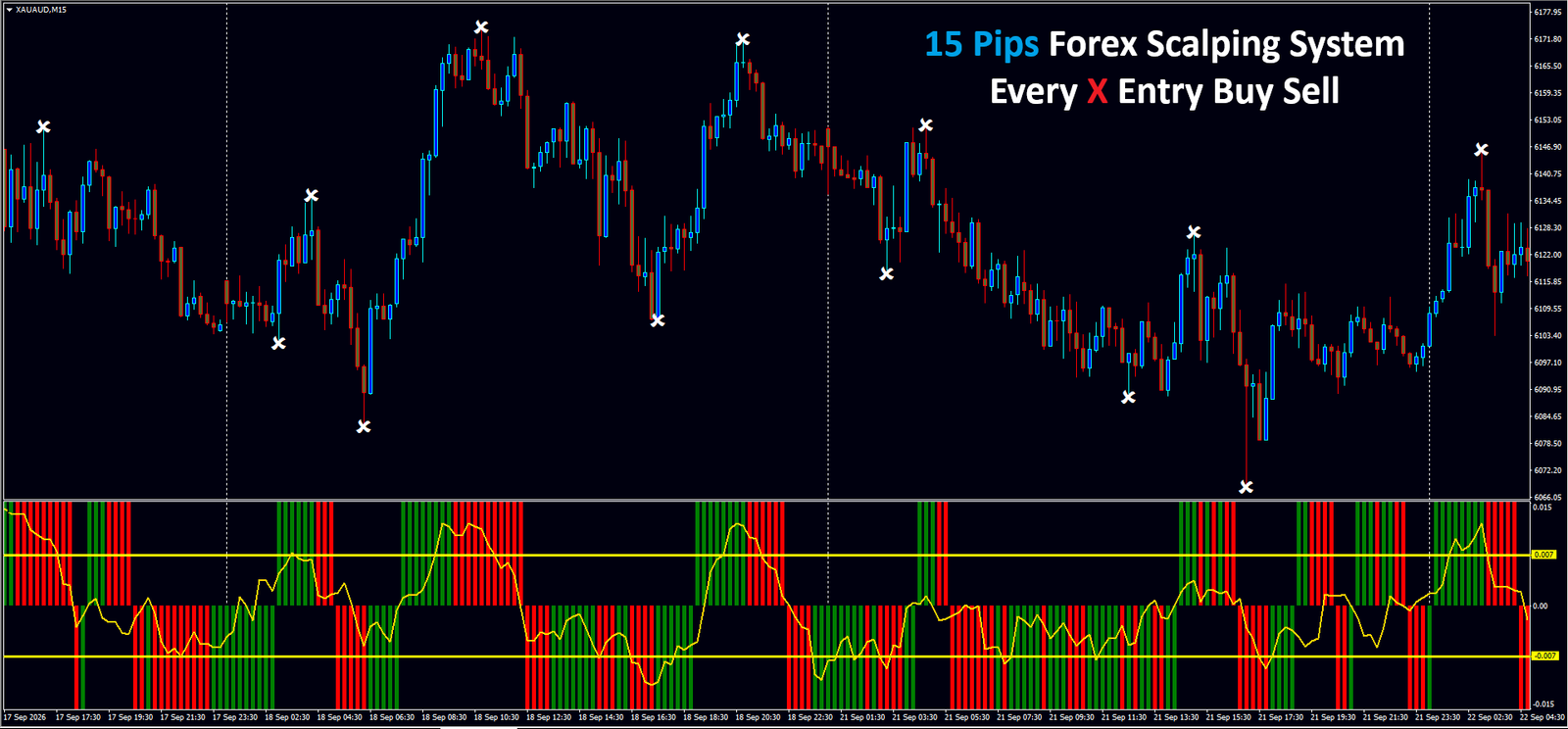
The 15 Pips Forex Scalping System is a momentum-based trading template designed specifically for short-term traders and scalpers. Its primary function is to identify high-probability reversal points in the market by combining price action “swing points” with a volume-weighted momentum oscillator. The system is optimized for lower timeframes (M5, M15, and M30) and is most effective on high-volatility pairs like Gold (XAUUSD/XAUAUD) or major FX pairs. It utilizes a dual-confirmation method: a visual “X” marker for price exhaustion and a color-coded histogram for trend validation.
2. How to Use: Entry and Exit Signals
Buy Signal (Long Entry)
A valid long entry requires the alignment of both the price action marker and the momentum filter:- Step 1: Wait for a white “X” to appear directly below a completed price candle. This indicates a local bottom or a price exhaustion point.
- Step 2: Look at the bottom oscillator window. The vertical bars must be Green.
- Step 3: For the strongest signal, ensure the yellow oscillator line is rising from the lower threshold (-0.007) and crossing above the zero line.
- Entry: Open the trade at the start of the next candle after these conditions are met.
Sell Signal (Short Entry)
A valid short entry follows the inverse logic:- Step 1: Wait for a white “X” to appear directly above a completed price candle. This indicates a local top.
- Step 2: Look at the bottom oscillator window. The vertical bars must be Red.
- Step 3: Confirm that the yellow oscillator line is falling from the upper threshold (0.007) and heading toward or below the zero line.
- Entry: Open the trade at the start of the next candle.
Exit Strategy
- Take Profit: As the name suggests, a fixed target of 15 pips is standard for this system. Alternatively, exit when an opposite “X” signal appears.
- Stop Loss: Place your Stop Loss 2-3 pips below the recent swing low (for buys) or above the recent swing high (for sells).

3. Step-by-Step Setup Instructions
- Platform: Ensure you are using MetaTrader 4 (MT4) or MetaTrader 5 (MT5), as this system uses custom .ex4/.ex5 files.
- Installation: Place the indicator files into your
MQL4/Indicatorsfolder and the template file (.tpl) into thetemplatesfolder. - Application: Right-click on your chart (e.g., XAUAUD), go to “Templates,” and select “15 Pips Scalping System.”
- Timeframe: Set your chart to the 15-minute (M15) timeframe for the best balance between signal frequency and accuracy.
- Alerts: Enable “Allow DLL imports” in the settings to ensure the “X” markers and sound alerts function correctly.
4. The Technical Logic
The system relies on two layers of technical analysis:- The “X” Markers (Price Action): These are based on a modified Fractal or ZigZag algorithm. They identify points where price has significantly deviated from the recent mean and is likely to pull back.
- The Momentum Oscillator (Trend Filter): The bottom window is a composite indicator. The yellow line tracks price velocity (similar to a Commodity Channel Index), while the green/red bars represent a “Trend Bias” filter. The horizontal yellow levels (0.007/-0.007) act as volatility bands; signals generated when the yellow line is outside these bands are considered high-velocity trades.

5. Pro-Tips for Better Accuracy
- Avoid the “No-Man’s Land”: If the yellow oscillator line is hovering flat near the zero line and the bars are switching colors rapidly, the market is ranging. Avoid trading until the yellow line clearly breaks above 0.007 or below -0.007.
- Follow the Higher Timeframe: Before taking an M15 buy signal, check the H1 chart. If the H1 trend is bullish, your M15 buy signals will have a much higher success rate.
- News Avoidance: Scalping systems are sensitive to “spikes.” Avoid entering trades 15 minutes before and after high-impact news events (like NFP or CPI), as the “X” markers may repaint during extreme volatility.

Reviews (0)
You must be logged in to post a review.


Reviews
There are no reviews yet.